
Stage 2 | DESIGN ADJUSTMENTS
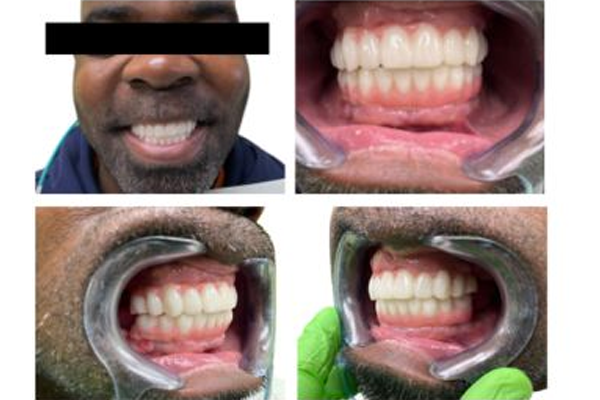
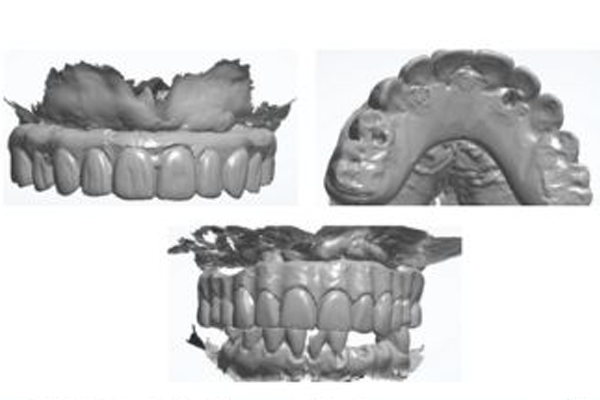
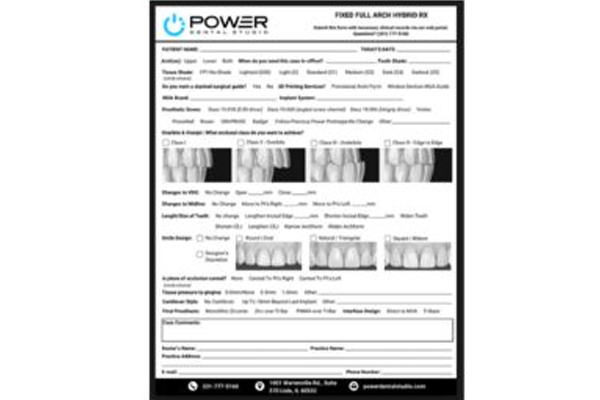
On occasion, you may need us to modify a stage 1 or stage 2 design (cant, occlusion, midline, etc.) To move forward with your design adjustment, you will need the following:
Take photos pre-and post adjustment
Full face, zoomed-in center, left & right bite
Physically adapt / adjust the prosthetic To Improve Tissue Adaptation
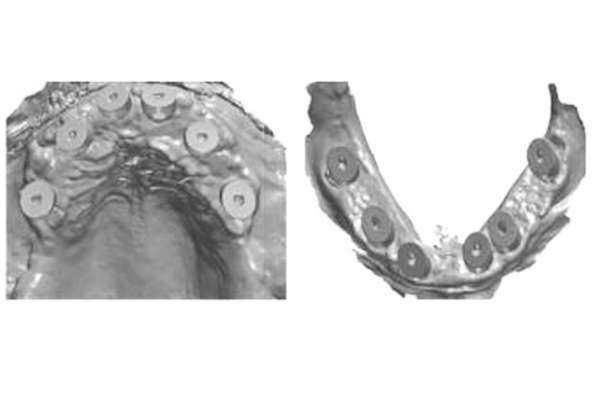
Remove temporized arch and scan healed tissue with recommend healing / suturing caps including full palate and retromolar space. (If you torque or change abutments, you must recapture the restorative platform using grammetry or photogrammetry)
Update Rx to include any changes requested to design or aesthetics
3 Business day turnaround for digital PMMA or indicate “Rush” in Rx. Send scans, Rx, and Photos Via PDS Portal